Pro feature · Custom & scrim games
LoL Scrim Tracker for Custom Games
Serious stacks never stop at Flex or Ranked 5v5. You scrim against rosters just as motivated as yours, and everything ends up in a spreadsheet someone forgot to update. That was before.
See the Scrim Importer

Custom games are annoying to track
Flex and Ranked 5v5 sync from Riot's API. Scrims, in-houses and tryouts live in custom lobbies and stay in your client match history until you import them.
No more lost scrims
Save every useful custom game before it disappears.
Import only real games
Skip warmups, remakes and troll drafts easily.
Everything in one place
Compare Flex, Ranked 5v5 and scrims together.

So we built the perfect Scrim Importer
- Open the League client, then launch the Scrim Importer.
- Pick the real games from your block, skip warmups.
- Import. Review on the same team page as your ranked history.
What you actually get to review
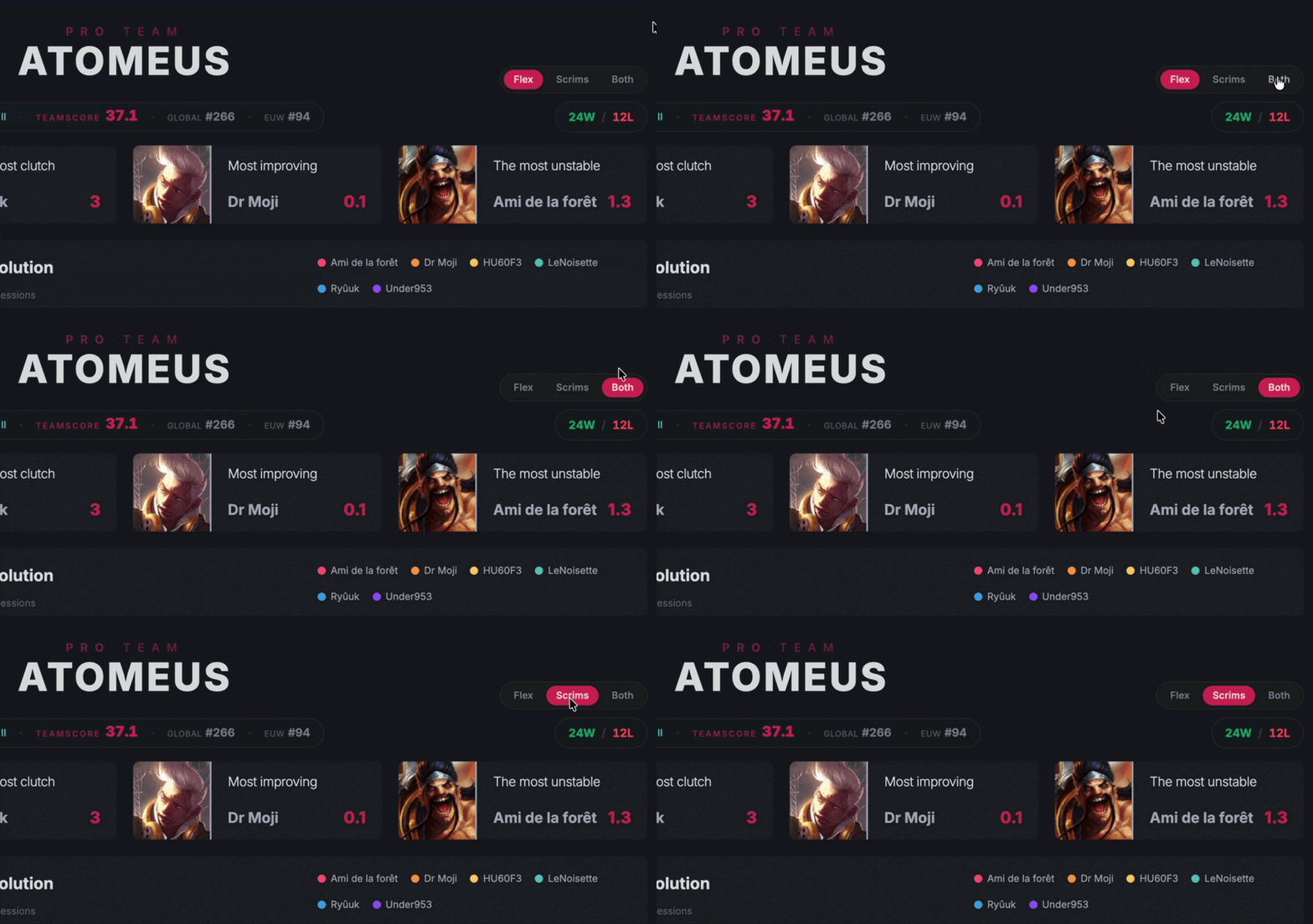
Once a scrim block is in, it behaves like the rest of your team data: match history, role context, champion pools and MVP Score. Toggle the scrim filter when you want a clean practice review. Open everything together when you want broader context for a split.
- Same team page, separate queue filters.
- MVP Score and champion trends on real practice games.
- AI Coach can read scrim history together with ranked blocks (or without).
When the Pro plan starts making sense
The Free plan tracks your Flex and Ranked 5v5 games. The Pro plan is for teams that also scrim, review and want every serious game to become usable data.
- Import scrims, tryouts and in-houses from custom games.
- Refresh stats faster after practice or ranked sessions.
- Manage up to five rosters and invite partner teams.

Imported scrims and customs never touch public TeamScore. View them alongside Flex and Ranked 5v5 on one team page, or filter each format apart when you review.
Related resources
Flex Queue tracker
Automatic Flex 5 imports, where most teams start.
Ranked 5v5 tracker
Weekend ladder stats on the same team page.
LoL scrim guide
What scrims are and how to find them.
Scrim Importer tool
Download, UI walkthrough and install steps.
Amateur & tournament teams
Rosters that scrim weekly.
Pro pricing
Plans with scrim import and AI Coach.
AI Coach
Debriefs powered by your real games.
FAQ
Do imported scrims affect the public leaderboard?
Why is a desktop app required?
Can I track scrims on the Free plan?
Where do I install the Scrim Importer?
Can scrim stats mix with Flex on the same dashboard?
Import your next scrim block
Download the Scrim Importer, pick your games, and stop maintaining the spreadsheet.
Loading…
1,587
7,683
27,966


LoL-Tracker isn't endorsed by Riot Games and doesn't reflect the views or opinions of Riot Games or anyone officially involved in producing or managing League of Legends.